The free gym workout trackerKnow what to lift.
Log it in one tap.
Pick one of 70+ proven plans, get every set pre-filled from last time, and see each PR the moment you hit it. 580+ exercise videos. iPhone, Android, Apple Watch and Wear OS. No ads.

Free on the App Store and Google Play, with the Apple Watch and Wear OS apps included.
Browse 70+ free plans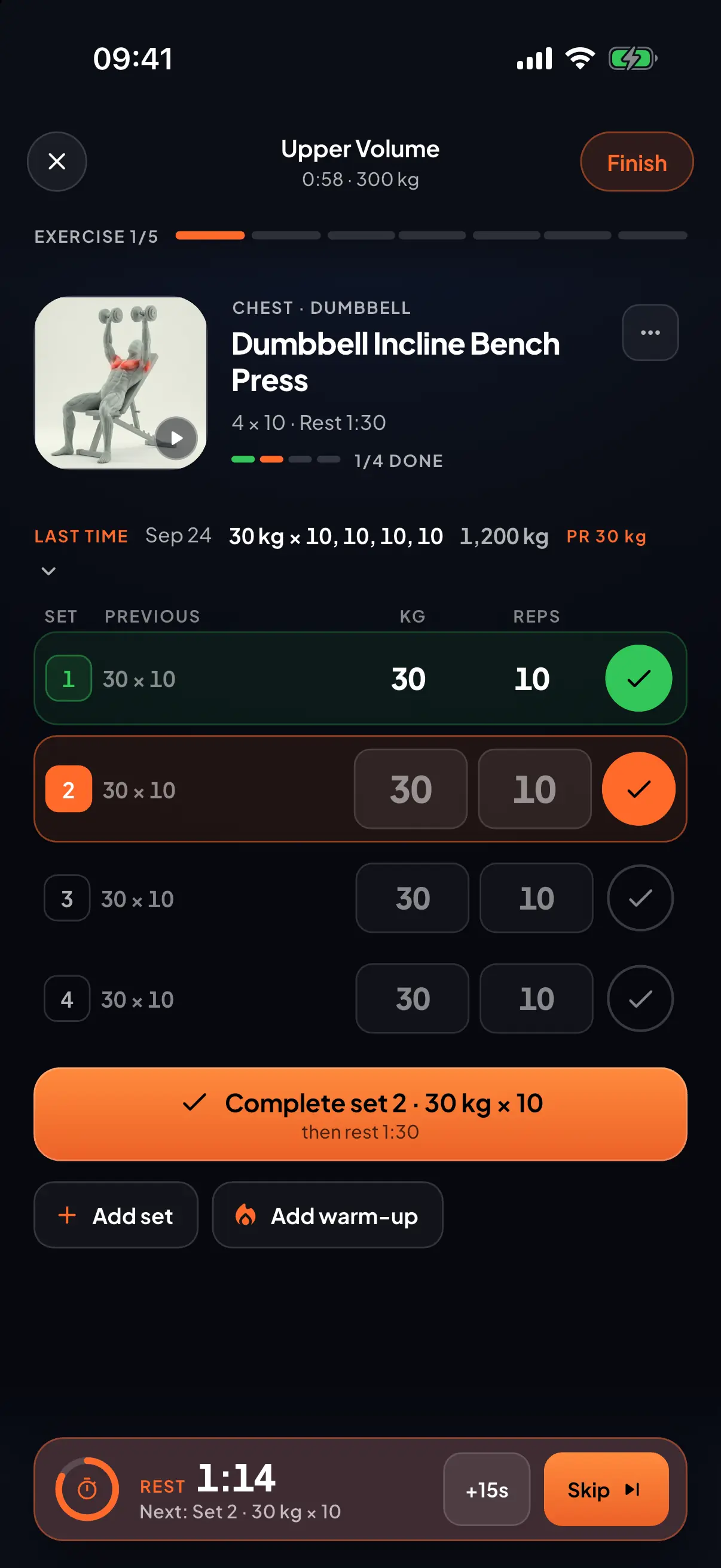
70+
Free plans, day by day
580+
Exercises, each on video
9
Languages, fully translated
01 / Plan
Pick a proven plan
or build your own
70+ full programs, from full body to push/pull/legs, each laid out day by day. Or build your own: days, sets, reps, rest and supersets. Missing a move? Add it as your own exercise.
See how the planner works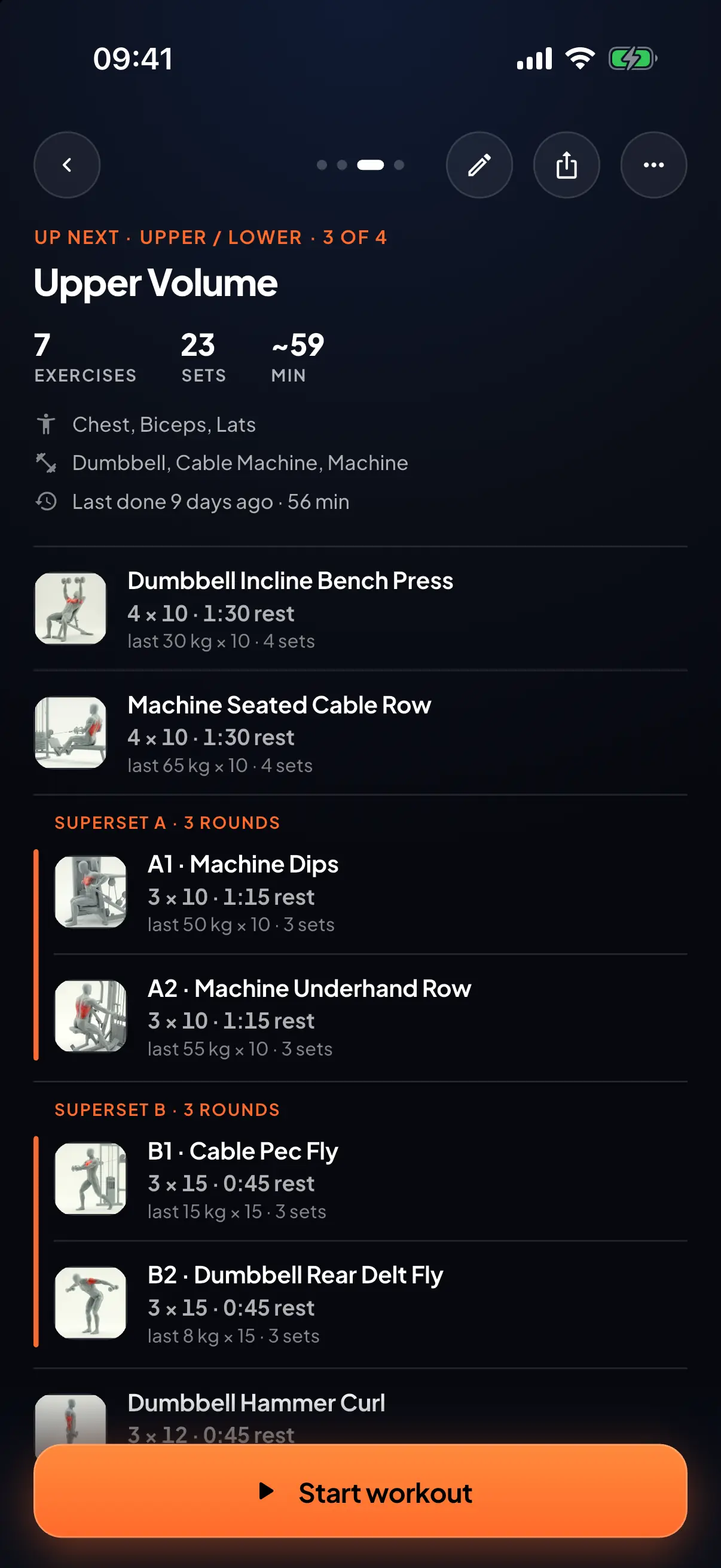
Where to begin
Start with a plan
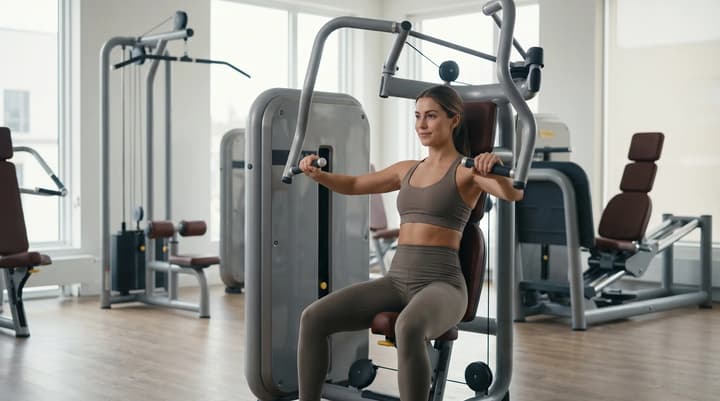
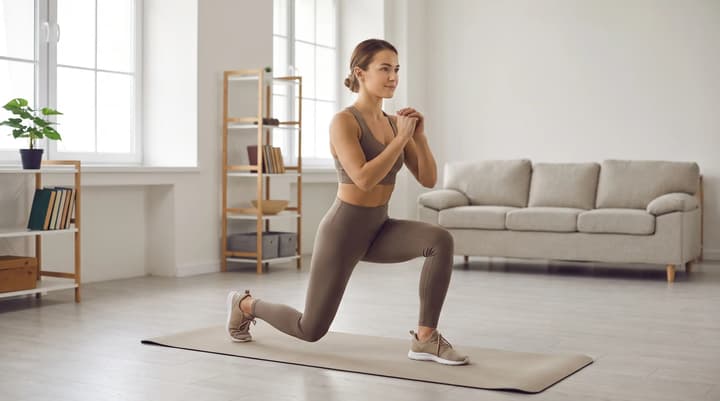
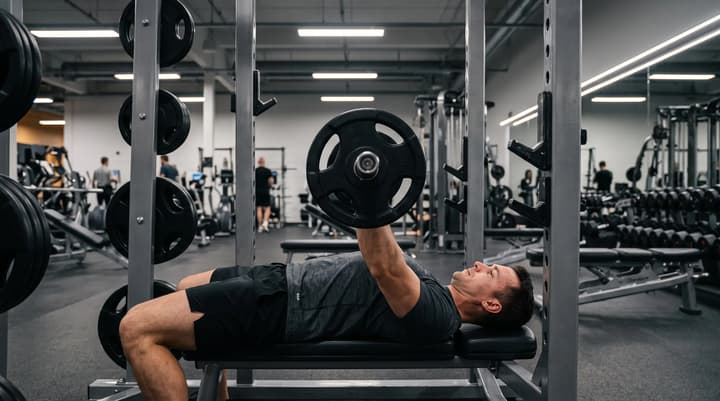
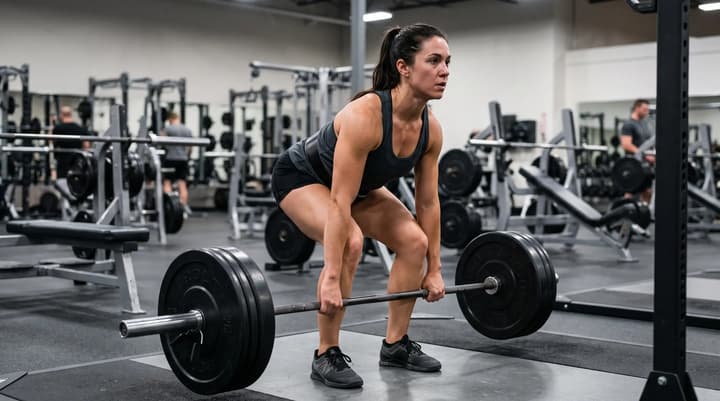
A few good places to begin, at the gym or at home. Each one is laid out day by day, so you can read every set and rep before you install anything.
02 / Progress
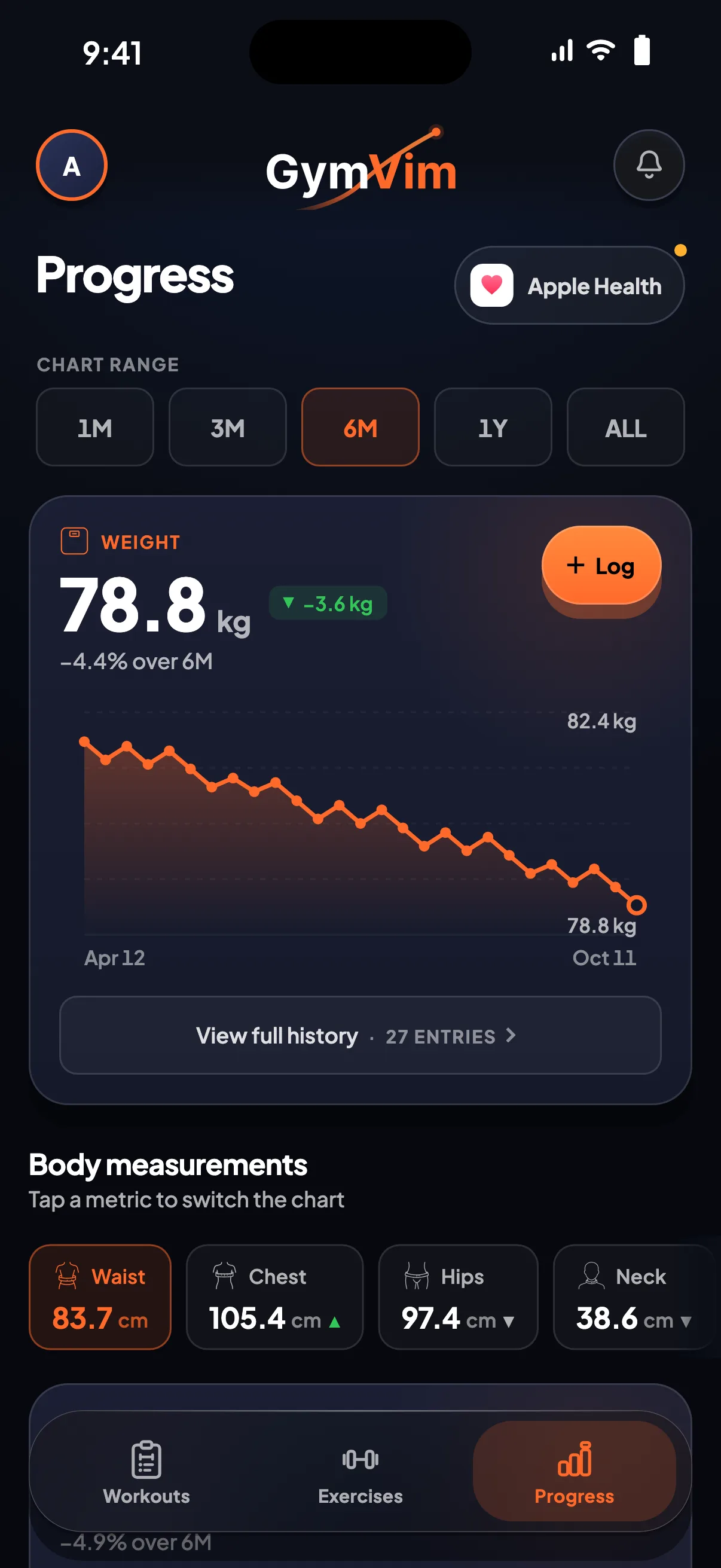
Track progress
until it's undeniable
Weight, measurements and progress photos side by side, plus every personal record the app spots for you. Pull your numbers in from Apple Health or Health Connect and the charts fill themselves.
03 / The library, on the web
Every exercise,
readable without the app
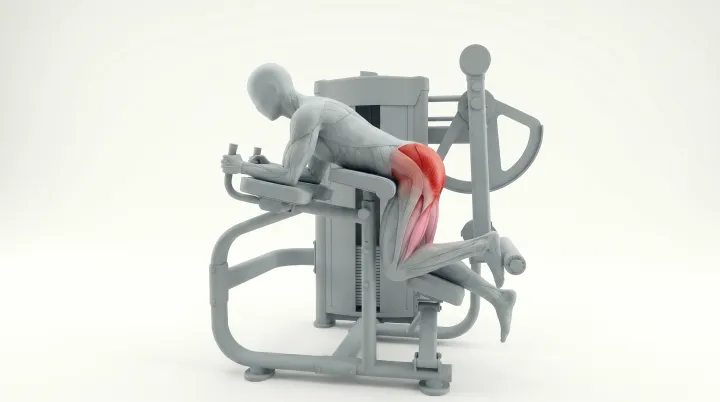
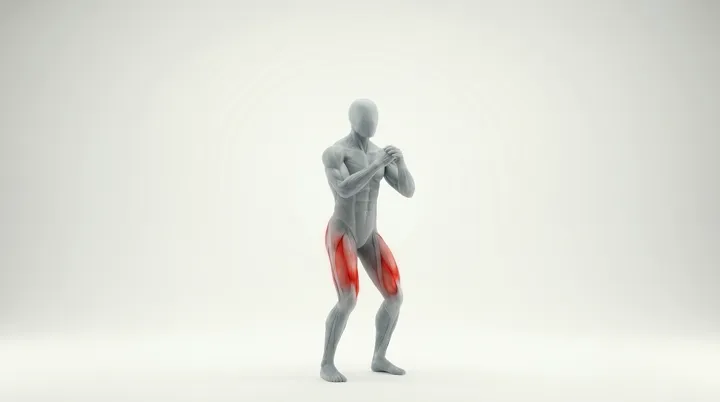
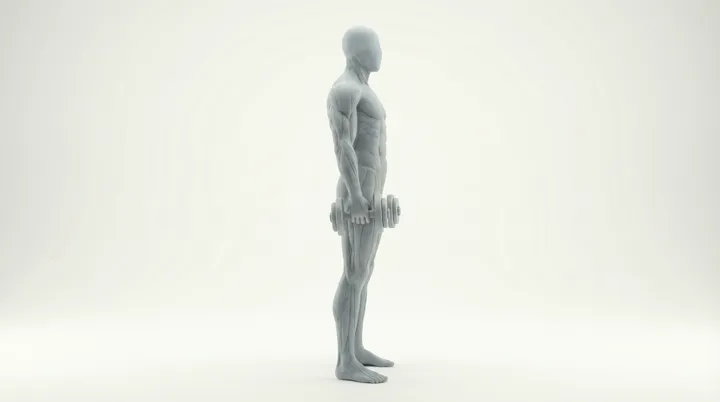
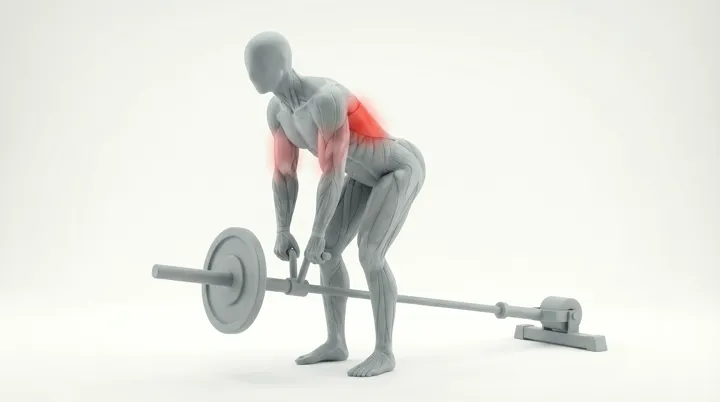
Every one of the 580+ moves gets a real page on gymvim.app: video, step-by-step instructions, the mistakes people actually make, and what to do instead. Filter by muscle, equipment, movement or difficulty.
 Video
Video
 Video
Video
 Video
Video
 Video
Video
Jump straight to a muscle
04 / Everywhere you train
Leave your phone
in your bag
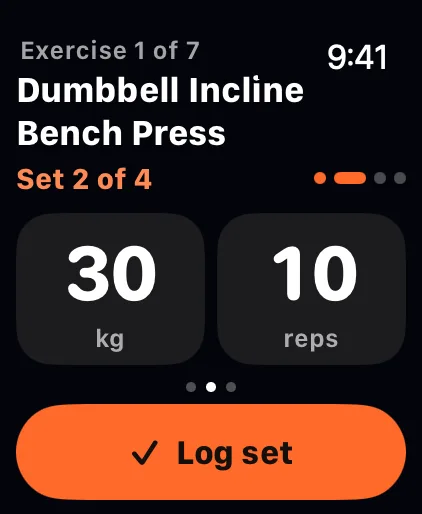
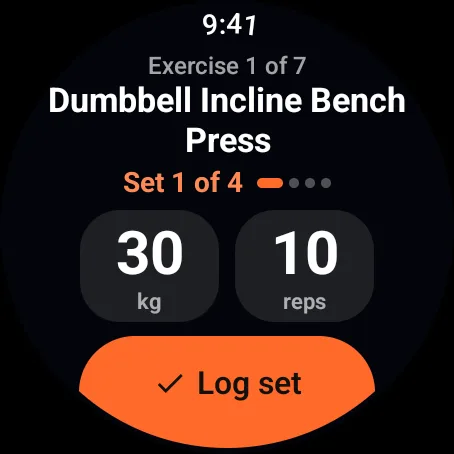
- Your plan on your wristSets and the rest timer on your Apple Watch or Wear OS watch.
- Live heart rateRight on the watch while you train.
- In step, even offlineStart on your wrist or your phone; both keep up.
- Saved to Apple HealthFinish on an Apple Watch and the workout lands there on its own.
- Rest timer on the lock screenWith your next set beside it.
- Home-screen widgetsYour plan and goals, one glance away.
05 / Why switch
Why lifters switch
to GymVim
Nothing behind a paywall
Every plan, chart and exercise video is free, with no ads.
Every move on video
580+ exercises, each with a clip, the steps and the common mistakes.
Plans you can read first
70+ full programs, day by day, open on this site before you install anything.
Your watch, either one
Apple Watch and Wear OS, with your plan, the rest timer and a live heart rate.
06 / Together
Send your plan,
not a screenshot
Share a plan with one link or QR code. Your friend reads every day, set and rep in the browser, then saves their own copy to GymVim.
Then set a shared goal with up to 50 people and watch the leaderboard fill in. Training alone is optional.


07 / Your language, your data
The app speaks nine
Not just the buttons. Every exercise name, every instruction step and every common mistake is translated, for every one of the 580+ exercises, in all nine languages. Pick yours in the app and it follows your phone from there.
- English
- German Deutsch
- French Français
- Spanish Español
- Portuguese Português
- Italian Italiano
- Turkish Türkçe
- Arabic العربية
- Persian فارسی
Arabic and Persian run the whole app right-to-left, not just the text. This website is English only; the languages above are the mobile app.
Your data stays yours. No ads, analytics only if you say yes, and you can export or delete everything from inside the app.
08 / Questions
Questions,
answered
The short answers to what people ask before they install. For anything else, ask us.
Help & supportor write to [email protected]
The basics
Is GymVim free?
Yes, with no ads. Plans, logging, progress and the exercise library stay free for good, and so do the Apple Watch and Wear OS apps. If paid extras are ever added, these stay free, and nothing is charged without you agreeing to it in the App Store or Google Play first. The Terms have the detail.
Will it stay free?
Yes. Plans, logging, progress and the exercise library stay free for good. If we ever add paid extras, these stay free.
Do I need experience to use it?
No. GymVim is built for beginners. You start from a proven template with weights and reps pre-filled, so you can log your first workout without knowing how to program training.
Can I build my own plan?
Absolutely. Start from a template or build a plan from scratch: pick the training days, dial in sets and reps, and link supersets. Save it once and every session is laid out ready to start.
Is GymVim on Android?
Yes. GymVim is on Google Play in every country, for phones running Android 8 or newer, and the Wear OS app comes with it for watches running Wear OS 3 or newer.
How is GymVim different from Hevy or Strong?
Hevy and Strong are loggers first: their free plans cap your routines, at four on Hevy and three on Strong, and Hevy's free graphs reach three months back. GymVim gives you 70+ full plans to follow day by day, 30 custom exercises and charts back to your first workout, free and with no ads. Competitor facts checked 3 October 2026; the Hevy and Strong comparisons have the detail and the sources.
In the app
What languages does the app support?
Nine: English, German, French, Spanish, Portuguese, Italian, Turkish, Arabic and Persian. Exercise names, instructions and common mistakes are translated too, not just the interface, and Arabic and Persian lay the app out right-to-left. This website is English only.
Does it sync with Apple Health?
Yes, in both directions. The iPhone app reads body weight and measurements from Apple Health, read-only, so your progress charts stay up to date. The Apple Watch app writes: finish a workout on your watch and it's saved to the Health app as a strength-training workout. Nothing else is ever written back.
Does it work offline?
Yes. Start a workout, log your sets and finish it with no signal, and it syncs in order when you're back online. Plans, progress and exercises you've opened before stay readable offline too.
Can I create my own exercises?
Yes, up to 30, each with your own photo or video, the muscles it works and the equipment it needs. They sit in your library next to the built-in exercises and go into any plan.
Are there home-screen widgets?
Yes, on both iPhone and Android. You can add the next session in your plan with this week's progress, your last workout's volume, sets, reps and PRs, how your goals are tracking, or a group's shared goal, in small or medium sizes. They update themselves when you finish a workout, edit a plan or change a goal, they still show your last numbers with no signal, and tapping one opens that exact screen in the app.
Your data
Who can see my progress photos and health data?
Only you. Progress photos open only after Face ID, Touch ID or your passcode, and they're never cached to disk. Your measurements, photos and health data are never sold or used for ads, and nothing you log is shown to anyone until you join a group or share something on purpose. The Privacy policy has the detail.
Can I share a plan with someone who doesn't have GymVim?
Yes. Send the link and it opens in any browser, every day of the plan readable without the app. If they add it, they get their own copy to change however they like; your plan stays as it is. How sharing works.
On the wrist
Do I need a smartwatch?
No. Everything works on your phone alone. If you have an Apple Watch or a Wear OS watch, the watch app adds your plan, your sets, the rest timer and a live heart rate on your wrist.
Which watches work with GymVim?
Apple Watch, and watches running Wear OS 3 or newer. The watch app comes with the phone app and gets your plans and your sign-in from it.
Does the watch work without my phone?
Yes, once your plan has synced. Start a workout, log your sets and run the rest timer on the watch with your phone in your bag or out of range, and everything syncs back to your phone when they're together again.
Ready to train
with vim?
Free on the App Store and Google Play, with the Apple Watch and Wear OS apps included.